IWord Doc that can be sent to Employees/Users
If you don't receive a code:
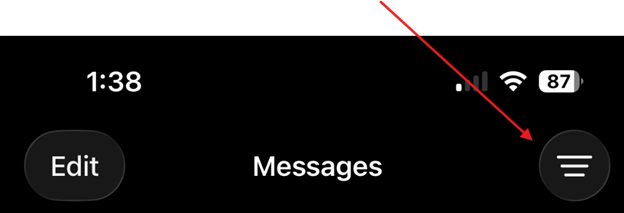
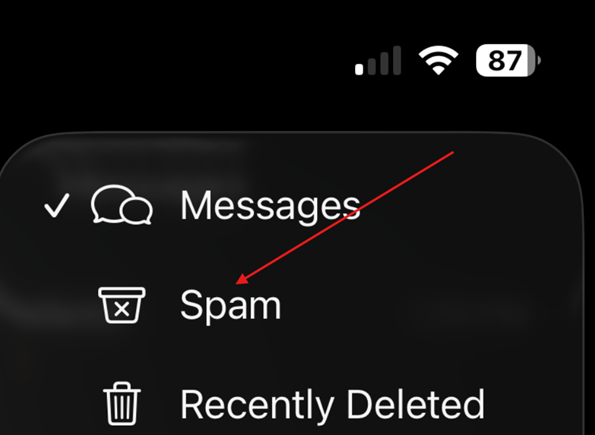
- Check your "Unknown Senders" or "Spam" folders in Messages
- Your device settings may automatically filter these messages if enabled
To keep codes out of spam/unknown (optional):
- If the message is in "Spam" - open it and select "Not Spam"
- If it's in "Unknown Senders" - add the number to your contacts
- Reply to the message (this tells your device it's legitimate)
- If you use a spam blocking app, whitelist this number
For a more reliable experience: We recommend using authenticators or passkeys as your preferred 2FA method. They are more secure and don't rely on SMS delivery.