
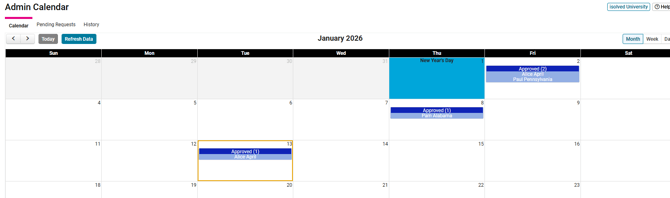
1. Employee Self- Service> Time> Admin Calendar.
This can be used by Client Users, Managers, and Supervisors to approve/reject a time off request.
2. Navigate to the Pending Requests Tab, where you can click approve or reject.

Once it is approved or rejected it will show on the admin and employee calendar the time approved/rejected.