
Tennessee Unemployment
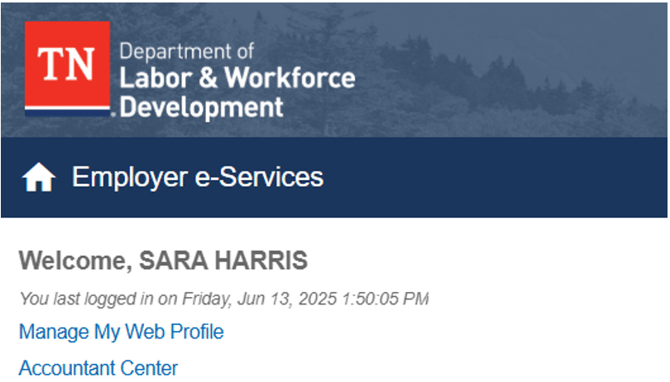
1. Access the Employer Dashboard- Log in to your TPA account on Jobs4TN.gov.
- Click on Accountant Center
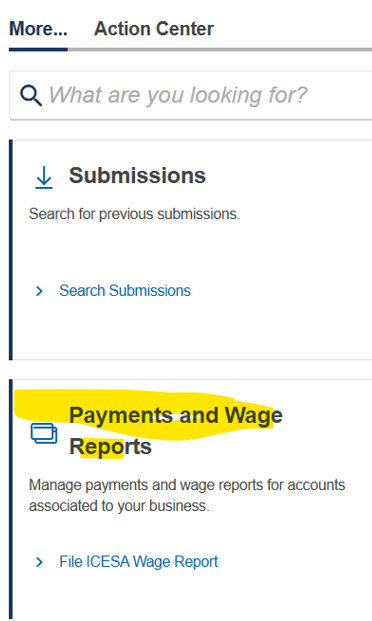
- In the Accountant Center| Payments & Wage Reports, select “File ICESA Wage Report”.
- Choose the option to upload a file.
- Browse and select the prepared ICESA file.
- Submit the file for processing
- After submission, you will receive a confirmation message indicating the status of the upload.
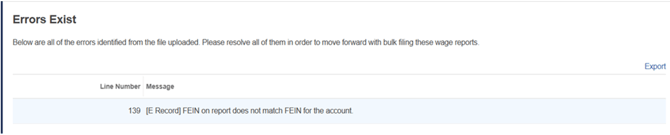
- If there are any errors, the system will provide details to address them.
If there is an error in any line of the file, it will stop the whole file from uploading. Open the file in Notepad ++ and find the line with the error.
You will need to remove that return and recreate the file.
Example:
If warnings exist, you can still file the return.