
Kentucky Unemployment
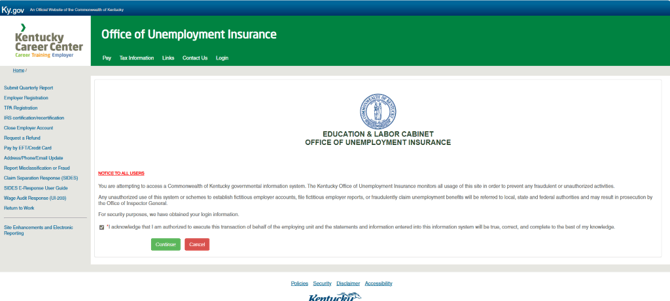
- Click the acknowledgement and then continue
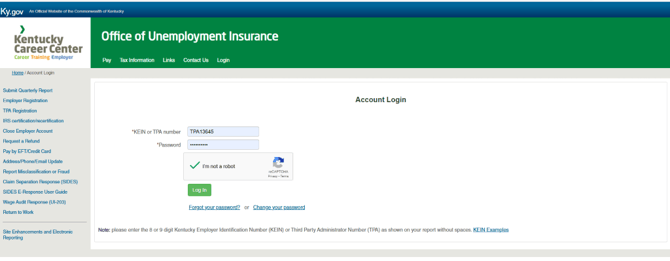
- Make sure you check on I'm not a robot after entering username and password
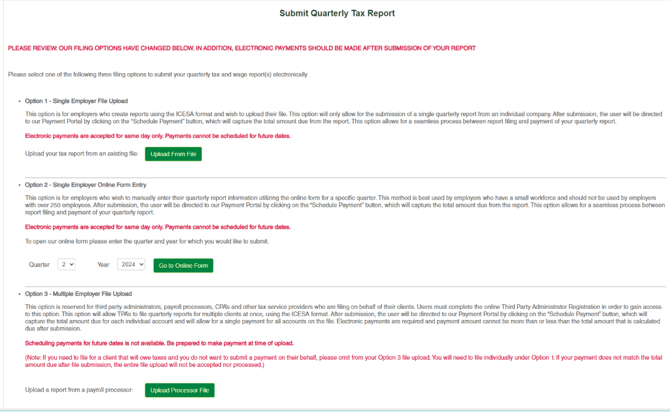
- On this page you can upload a single or multiple SG file. You can also enter manually a single employer.
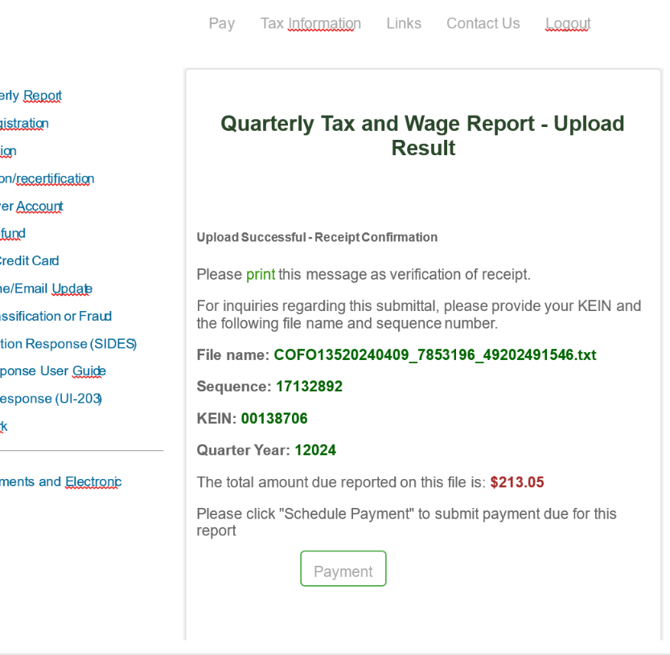
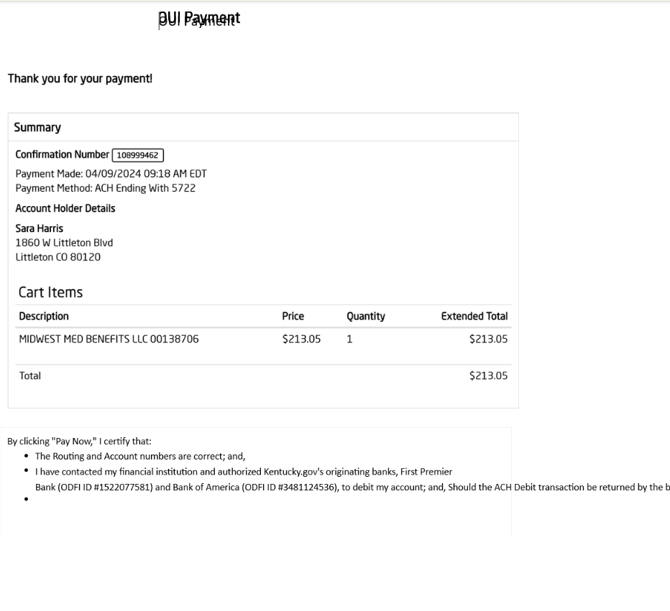
- You receive a confirmation save this in isolved, you will then be prompted to pay upon filing the quarterly return. Make sure you also save this Payment Confirmation.
- Examples:
- KY –Locals ( Require W2 submissions at Year End)
- Owensboro
Kentucky Withholding
- Login using the Kentucky login labeled MyTax WH - Bulk Filing on the State Registration spreadsheet
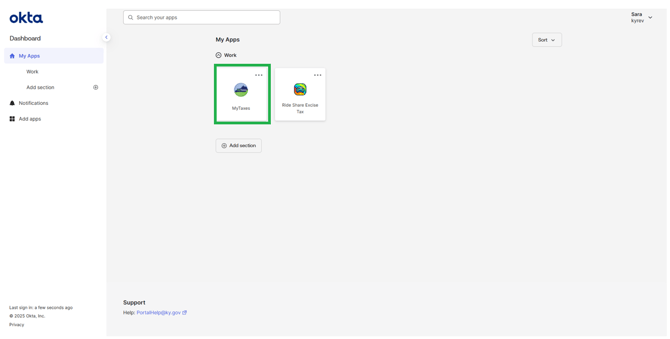
- Select the MyTaxes icon
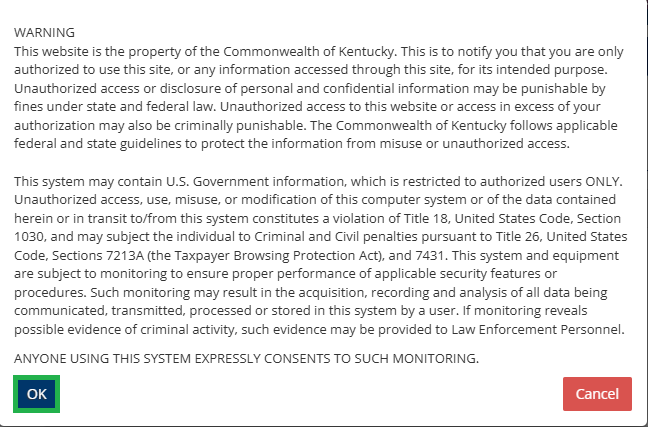
- A box will pop up with a warning, select OK
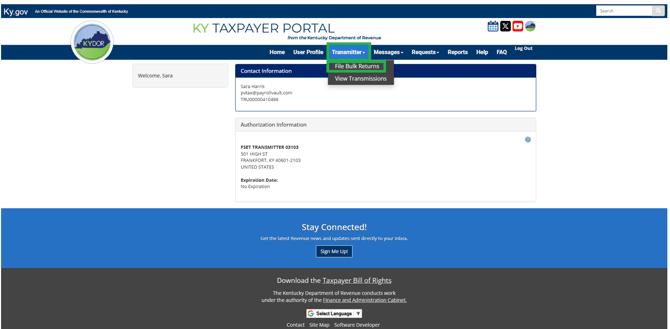
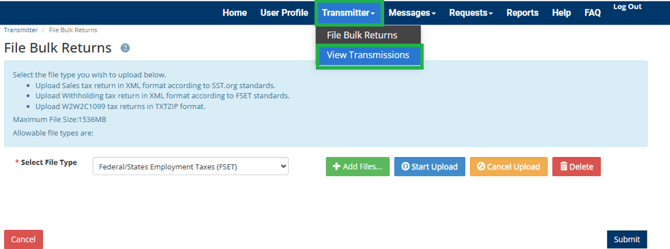
- Select Transmitter > File Bulk Returns
- Select +Add Files and select your file from your hard drive downloaded from iSolved
- Select Start Upload
- Once uploaded, select submit
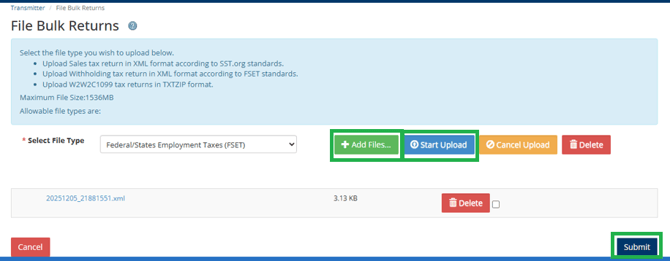
- A confirmation will appear; this is NOT your confirmation that the return has been accepted. This confirmation is only a confirmation to let you know the file was successfully uploaded to Kentucky for review.

- Review the upload to see if it was accepted by selecting Transmitter > View Transmissions
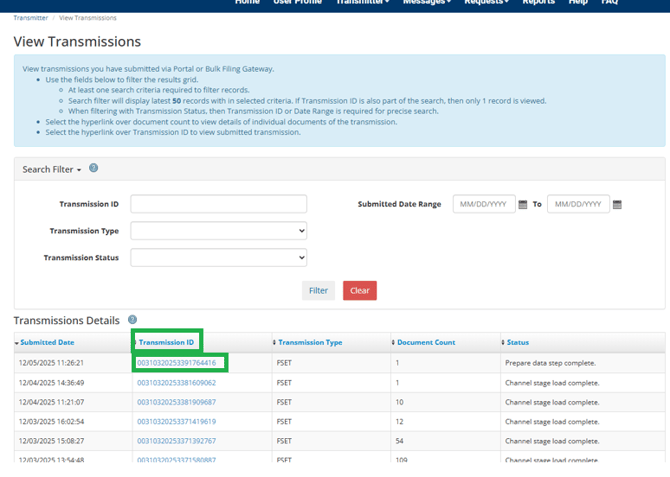
- Select the Transmission ID you uploaded
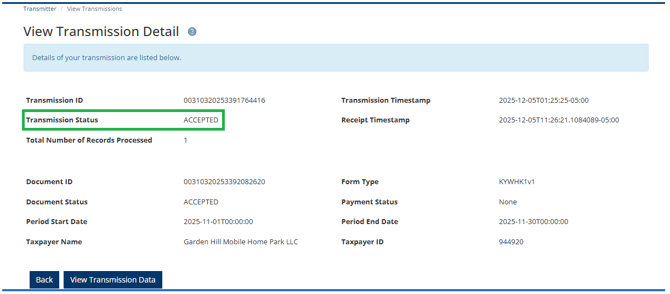
- Review if file was accepted. Copy and paste information into notes of iSolved e-file history
- NOTE: Amendments will need to be manually filed under the login named MyTax Client Access